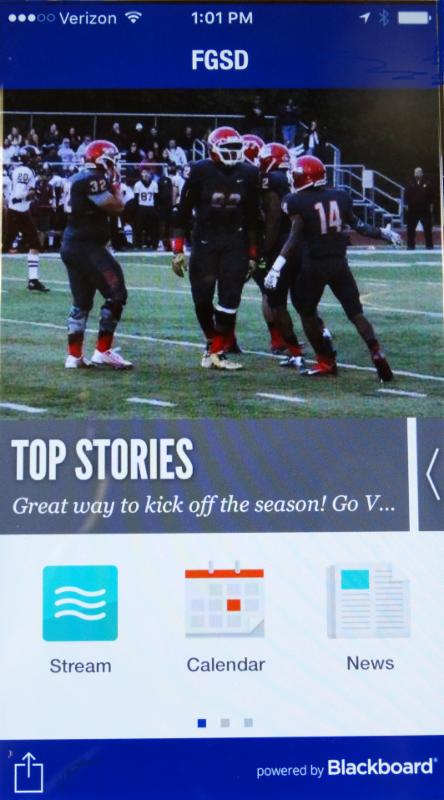
 If you haven't yet downloaded the district's free mobile app, now is a good time to do it! And if you already have downloaded the app, go to the App Store for an update to see the new look and features. The mobile app is a great way to stay current on school and district news, calendars, sports schedules and scores and more. It includes staff directories for each school and other useful information.
To download the app, go to the App Store or Google Play and search for "FGSD." Select "Free" and then "Install." Once it has installed, open it and swipe it to the left to see the various information modules.
Go to "Settings" to select your language preference. You can customize the information you receive (news, calendars, school flyers, etc.) by school. To customize the calendar, for instance, open the calendar icon, select the "gear" in the upper right corner and then select the schools whose calendars you wish to follow.
One important function of the app is the tip line. The tip line is a way for students, staff and community to let us know about things going on in our schools, both positive and negative.
|