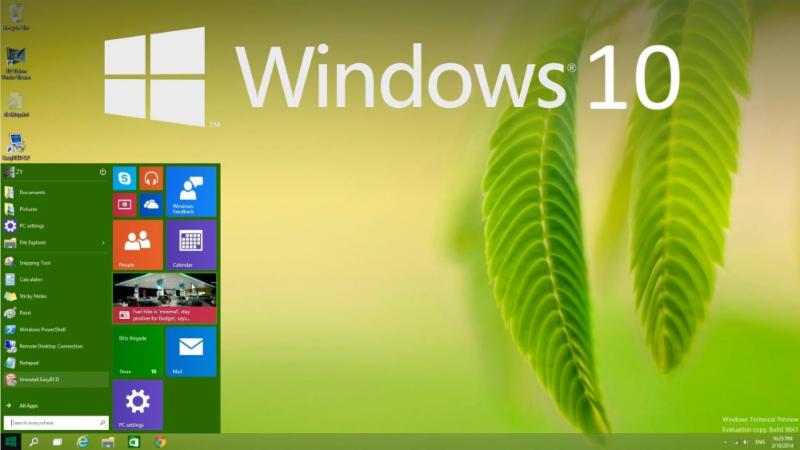
 Windows Headlines: FREE Windows 10, End of Mainstream Support for 7
Microsoft is very interested in getting everybody on the same version of Windows, and are making policy decisions to help accomplish that goal. You might have seen a few conflicting or confusing headlines about these topics in the last month, so here's a more in depth explanation.
Window 10 will be a free upgrade - This is very exciting news, however there are a few caveats. It will be free for the first year after release only, so you will have a limited time to take advantage of this offer. It will be a free upgrade for people who are currently using Windows 7 or Windows 8 - if you are still using Vista you are out of luck, and if you are still using XP please move on! Microsoft has yet to announce when Windows 10 will be released to the public, but it's not expected until the second half of this year. My advice is to stick tight if you are using a Windows 7 system, but if you are in the market for a new computer or are still using Vista don't be afraid to buy a Windows 8 computer and get the free Windows 10 upgrade when it's available. I will certainly update all of you about the timeline and the process as the news is announced. End of Mainstream Support for Windows 7 - you might have seen this headlined on the internet in several places. This article shows the Windows Lifecyle. In January Windows 7 entered the "End of Mainstream Support" phase, which basically means there will be no further development of the platform. However, it is now in its "Extended Support" phase, which means it will still be patched and fixed as needed. In other words, if you are using Windows 7, you are just fine. Wait for Windows 10 and get your free upgrade then.
|

The Slow iMac - What to do?
You iMac users can be pretty smug - your system is beautiful and very high quality and it works for a very long time. However, I often find myself confronted with the dreaded "Slow iMac" - over time the system has bogged down and slowed down.
Sometimes the problem can be easily solved with a tune-up appointment. However I have recently found myself upgrading some older iMacs to very good affect - adding memory, cleaning off old files, and installing the latest version of OSX. Since there are very few visible difference between iMac models, you need to follow some steps to determine exactly what model you have and if it can be upgraded.
How do you know if your iMac can benefit from an upgrade? Here's a quick checklist: - If your iMac is older than mid 2007, it's probably time to just replace it. However I have had very good luck getting extra life out of systems that are 6 or 7 years old so if it's mid 2007 or later read on.
- If you have less than the maximum amount of memory (RAM) your system can support you definitely want to add memory. Older iMacs with 2GB of RAM will especially benefit from an upgrade to 4GB, which is really the minimum the latest version of OSX needs to run smoothly. iMacs are very choosy about the exact RAM installed so I can help you order the correct RAM and install it
- The current version of OSX is 10.10.1 Yosemite, and it includes many necessary security enhancements. As I have seen virus infected Macs, I strongly recommend keeping your Mac at the latest version of OSX. If your OSX version is 10.6.8 or greater we can download the latest version from the App store. If it's older I will have to install 10.6.8 manually first.
- Upgrade specifications are different for MacBooks, MacBook Pro and MacBook Air. This article shows which models can be upgraded to which operating systems.
|


