| External Nozzle Loads Design Using COMPRESS | August 2, 2012 |
|
Dear Colleague,
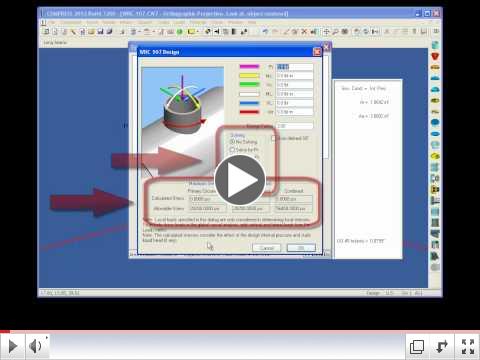
The ASME Code requires designers to account for external loadings placed on nozzles. With the included COMPRESS WRC-107 Feature you can:
- Specify different loadings for each nozzle
- Review the calculated stresses
- Quickly change the nozzle design based on stress results
- Find the maximum loading
How do I specify WRC-107 loadings in COMPRESS?
- On the second screen of the nozzle dialog click the 'WRC-107' button.
- In the WRC-107 dialog enter the loadings that you want accounted for in the nozzle design.
 | External Nozzle Loads Design Using
COMPRESS |
Trouble viewing YouTube videos? Watch the video from Codeware's Website.
To find out more, Contact Us Online, email sales@codeware.com or call (941) 927-2670.
Sincerely,
The Codeware Team
|



